Output kintone Data
Excel Templates
Beautifully
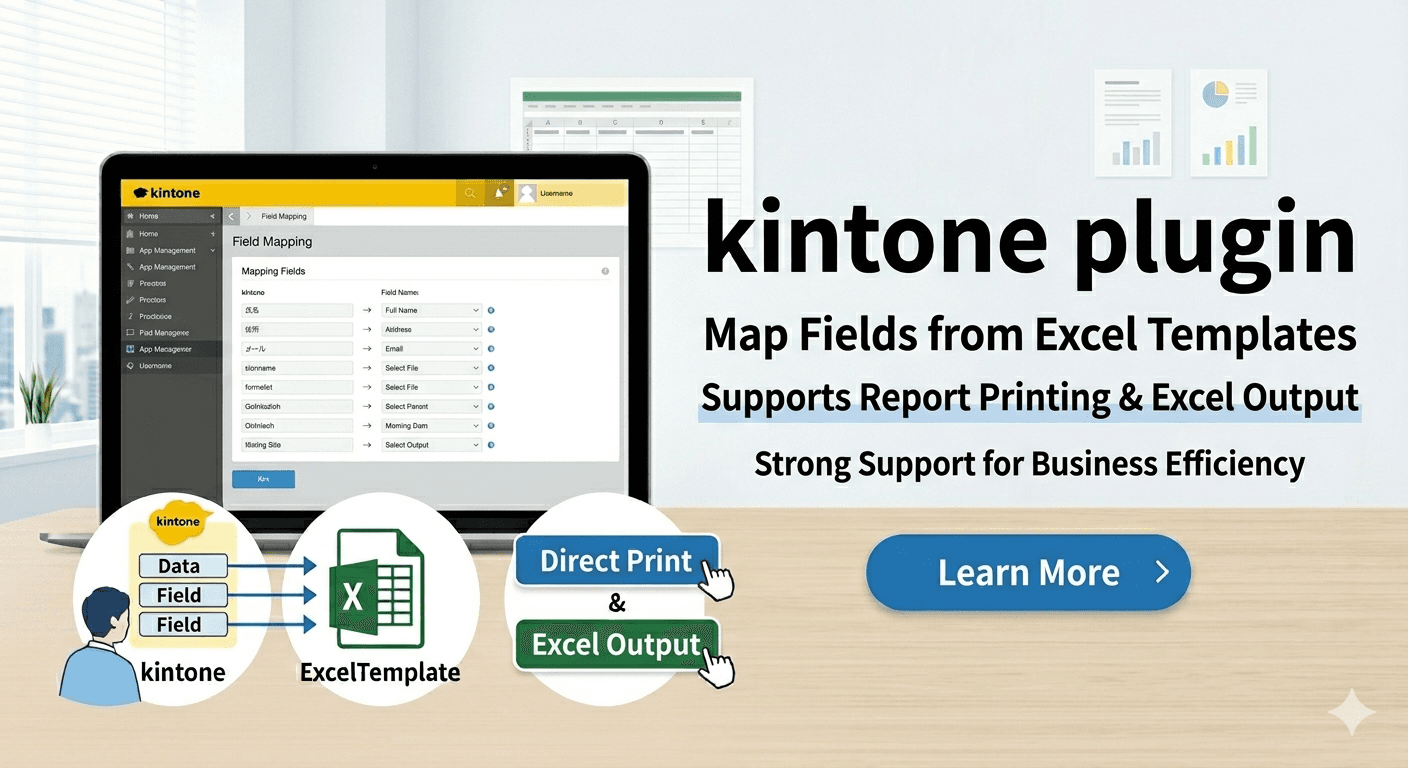
The kintone Report Printing Plugin automatically merges your kintone data into Excel templates, generating printable reports as Excel instantly.
Movie
See the plugin in action
Watch the actual workflow and output flow of the Report Printing Plugin in the video below.
Features
Why Choose kintone Report Printing Plugin
Built from real-world needs. Streamline your workflows from setup to daily operation.
Use Your Existing Excel Templates
Just upload your existing Excel template. No complex design work—keep using the familiar format you already know.
Auto-Generate Beautiful Reports
Automatically merge kintone record data into quotes, invoices, and delivery notes for instant high-quality print output.
Download as Excel Directly
Download reports as Excel (.xlsx) files. Edit them manually or import into internal systems with ease.
Create Reports with Electronic Stamps
Map kintone fields to apply electronic stamps to your reports. Supports last-name-only and data stamps.
Full kintone Integration
Intuitively map kintone fields to Excel cells. Supports lookup fields and calculated fields.
One-Click Output
Output reports with a single button on the kintone screen. Generate the Excel file you need directly from the record detail page.
Secure Free Plugin
Free to install. Your data stays in kintone—no data is sent to external servers.
How It Works
Automate Reports in Just 5 Steps
No technical expertise required. Go live as early as today.
Install the Plugin
Simply import the plugin file from the kintone admin screen. No complex setup—done in minutes.
💡 kintone Admin → Plugins → AddConfigure Excel Template Storage
Store template data in a kintone app. You can also use a single record in your own app as the storage location.
💡 Set an API token if you want to hide the storage record from users.Upload Your Excel Template
Upload the report template you created in Excel from the plugin settings screen. Reuse your existing formats.
💡 Register as many templates as neededMap Fields
Map kintone fields to Excel cells. An intuitive dropdown UI—no programming needed.
💡 Supports text, numbers, dates, and lookupsOutput Reports with One Click
Once configured, a button appears on the kintone record screen. Click it to instantly output Excel reports.
💡 Output as print or Excel (.xlsx)Check out the free plugin details and see how it fits your workflow
🎁 View Free PluginService Info
Free Plugin—No Additional Cost
This plugin is available at no charge and can be used under the MIT License. For any questions or requests, please contact us.
Start outputting business reports right away, for free
- Plugin provided free of charge
- Unlimited Excel template registration
- One-click output from the record detail page
- Available under the MIT License
- Email support available
- No additional license fees
- Quick eligibility check
* A kintone Standard course subscription is required to use this plugin.
Start Free DownloadFor questions about setup, operation, or support coverage, pleasecontact us. See our FAQ and legal pages for more details.
FAQ
Frequently Asked Questions
If you have any questions, feel free to contact us.
For questions not listed above, please contact us directly
Open Contact FormContact
Send Us Your Questions
Use the form to ask about setup, template limitations, operational flow, or any other questions before adopting the plugin.